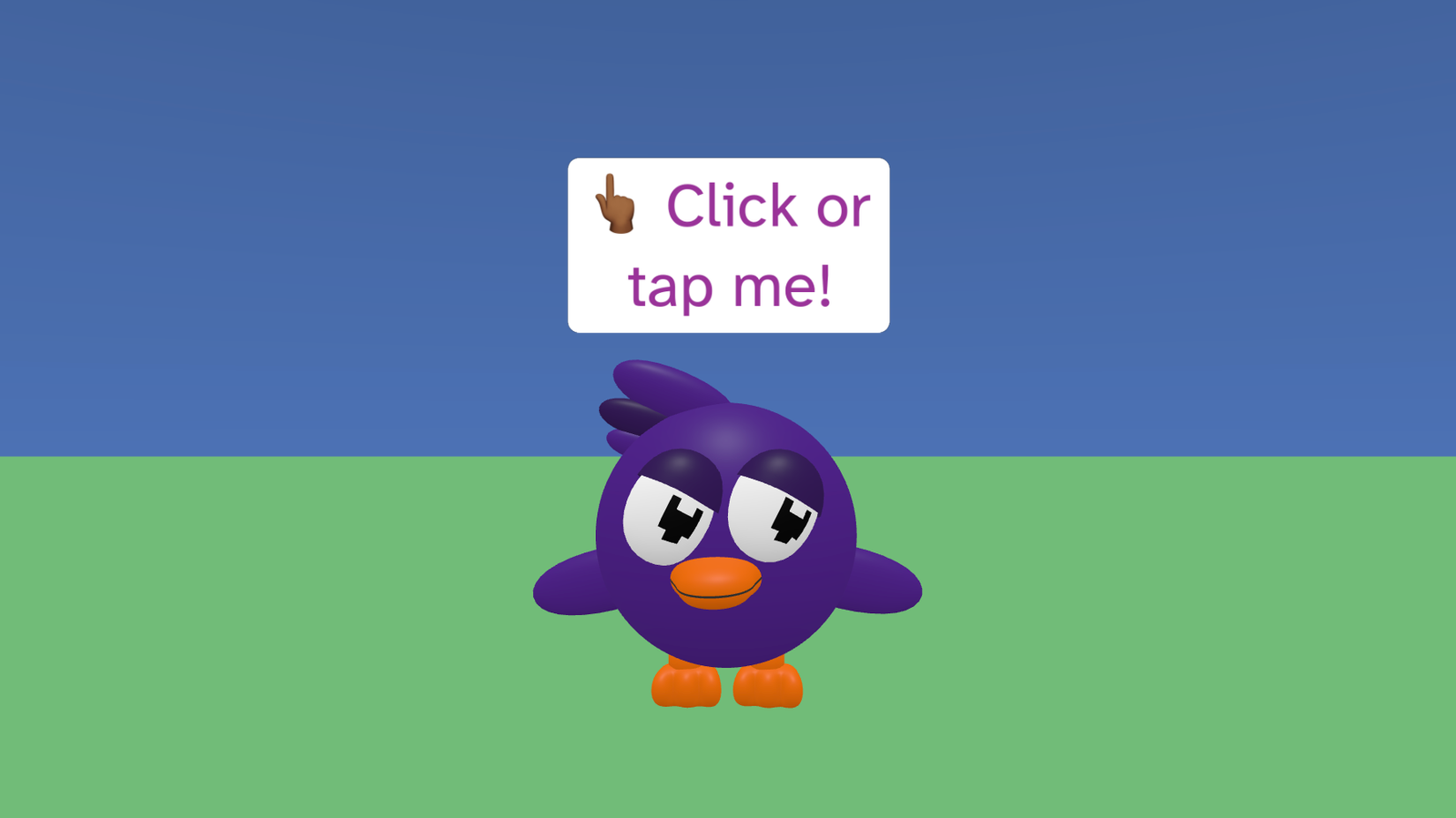
Starter is a simple welcome scene to help you explore the basics of Flock XR. The Flock XR bird plays an idle animation and invites you to click or tap. When you do, it says hello and waves at you.
This project demonstrates sky and ground setup, loading a 3D model, simple animations, on-screen text, and click/tap interaction.
Try it out
1. Open Flock XR and go to the Demo menu. 2. Select 👋🏽 Starter 3. Press Play. 4. Click or tap the bird 5. You should see: – a welcome message on screen – the bird saying “Hello” – the bird playing a Wave animation and then returning to Idle
Explore the code
Open the code and look for these parts:
Sky colour A block that sets the sky colour.
Ground map A block that creates the map with terrain, material, and colour for the ground.
Welcome text A block that prints a welcome message on the screen.
Add model A block that adds the Flock bird model and stores it in a variable called bird.
Animations Blocks that switch the bird to Idle, and later play Wave then back to Idle.
When clicked A block that runs when the bird is clicked or tapped, making it say “Hello” and then wave.
Comments There are also comments in the code that suggest things you can try changing.
Remix ideas
Try extending the project with your own ideas:
Change the sky colour to create a sunrise, sunset, or night scene.
Change the ground colour or material to sand, snow, or a colourful pattern.
Change the welcome message text or add extra messages.
Make the bird say something different when clicked.
Try different animations for the bird instead of Wave.
Add another object or character next to the bird.
A similar project you could create
Create a welcome scene for your own game or world: – Add a character or object that represents your project. – Show a welcome message and simple instructions (“Tap me”, “Press play to start”). – Make your character play a short animation when clicked, then return to idle.
This can become the intro screen for a bigger project.