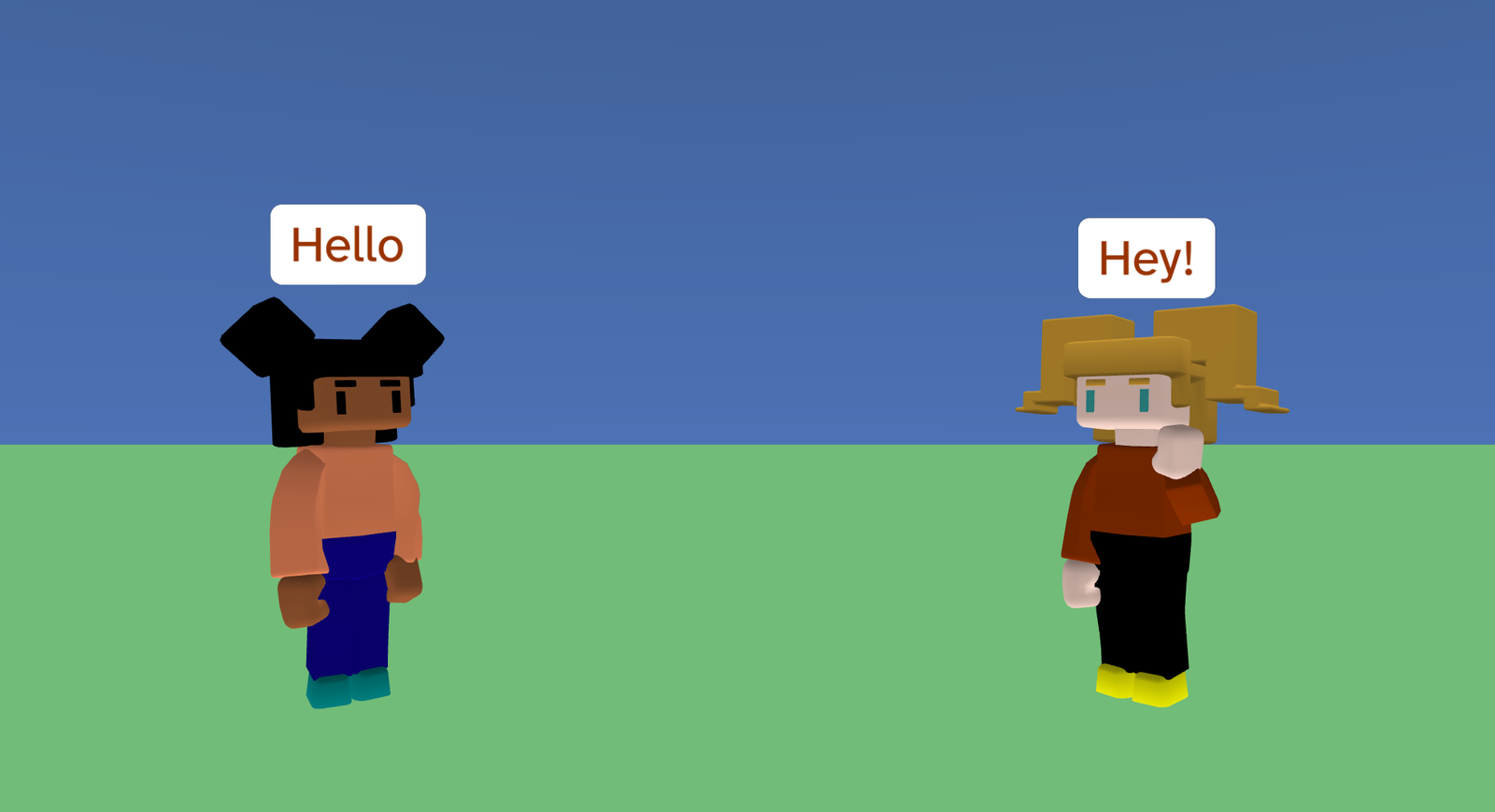
Character Animation is a short animated scene where two characters talk to each other using speech bubbles, animations, and movement. The characters take turns speaking, waving, agreeing on a plan, and then walking and running to a new place together.
This project demonstrates how to create animated cutscenes using events, dialogue, character animations, and smooth movement. It shows how you can control the timing of actions so everything happens in the right order.
Try it out
1. Open Flock XR and go to the Demo menu. 2. Select 🎥 Character animation 3. Press Play. 4. Watch the animation play automatically 5. You should see: – messages appearing as speech bubbles – characters waving and reacting to each other – characters walking and running across the scene – a “THE END” message at the end
Explore the code
Open the code and look for these parts:
Sky and ground Blocks that set the sky colour and create a simple grassy ground map.
Events and broadcasts Blocks that listen for named events like ready, hello, hey, park, sure, and follow. These events are used to control the order of the conversation and actions.
Dialogue Blocks that make characters say things using speech bubbles. Some speech waits until it finishes before continuing, so the timing feels natural.
Animations Blocks that play character animations such as Wave, Yes, Walk, Run, and Idle.
Movement Blocks that rotate characters and smoothly glide them to new positions to make it look like they are walking or running away together.
Remix ideas
Try extending the project with your own ideas:
Change what the characters say to tell a different story.
Add more characters and include them in the conversation.
Use different animations to change how the characters react.
Add pauses or longer waits to change the pacing.
Make the characters walk to a new location.
Turn this into the opening cutscene for a game or animation.
A similar project you could create
Create your own animated story scene: – Place characters in a world. – Use events to control who speaks and when. – Combine speech, animation, and movement to tell a short story. – End with a title card. This technique is used in games, films, and animations to introduce characters and set the scene.