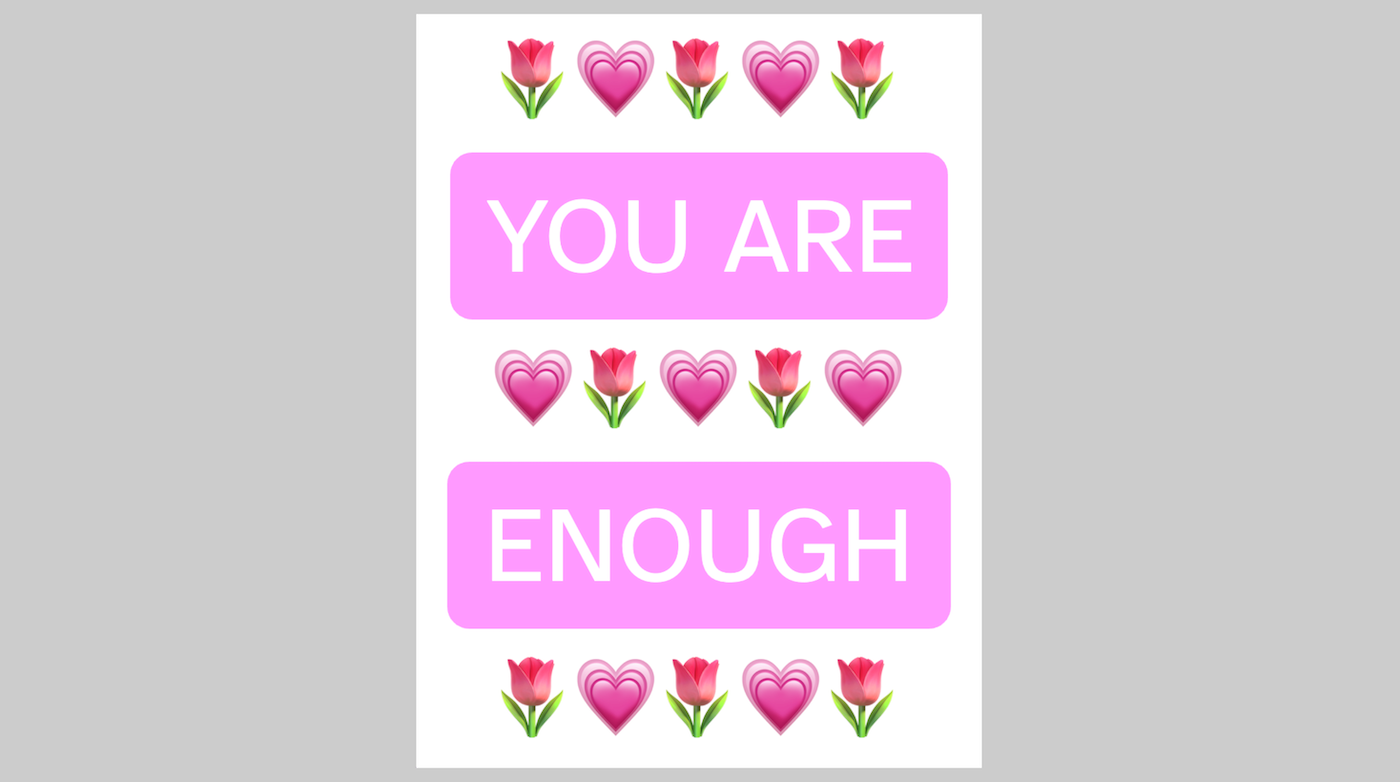
U R Enough is an interactive digital greeting card that opens when clicked. The project uses simple 3D shapes, animations, colours, and text to create a heartfelt message that feels more engaging than a traditional card. When the card opens, it reveals a positive message inside along with decorative flowers and hearts.
Try it out
1. Open Flock XR and go to the Demo menu. 2. Select 💗 UR enough! 3. Press Play. 4. Click the greeting card to open it. 5. Read the message inside. 6. Click again to close and reopen the card.
Explore the code
Open the code and look for these parts:
Building the card The card is created from several simple planes: – a front cover – an inside page – an inner panel
Decorative design The card is decorated with: – hearts – flowers – colourful text panels – positive messages
Creating a hinge A tiny invisible sphere acts as a hinge: – different parts of the card are attached to it – when the hinge rotates, the card opens and closes – this creates a realistic folding-card effect
Opening animation When the card is clicked: – the front cover rotates open – the card panels move into position – the greeting is revealed
Interaction and state tracking A variable called moving is used to: – stop the card being clicked repeatedly during animations – make sure the opening and closing sequence finishes correctly – keep the interaction smooth and reliable
Remix ideas
Try extending the project with your own ideas:
Change the message inside
Create a birthday card
Add your own colours and decorations
Include animations or music
Change the speed of the opening and closing animation
A similar project you could create
Create an interactive menu Create an opening menu with your favourite food Use emoji to show the ingredients