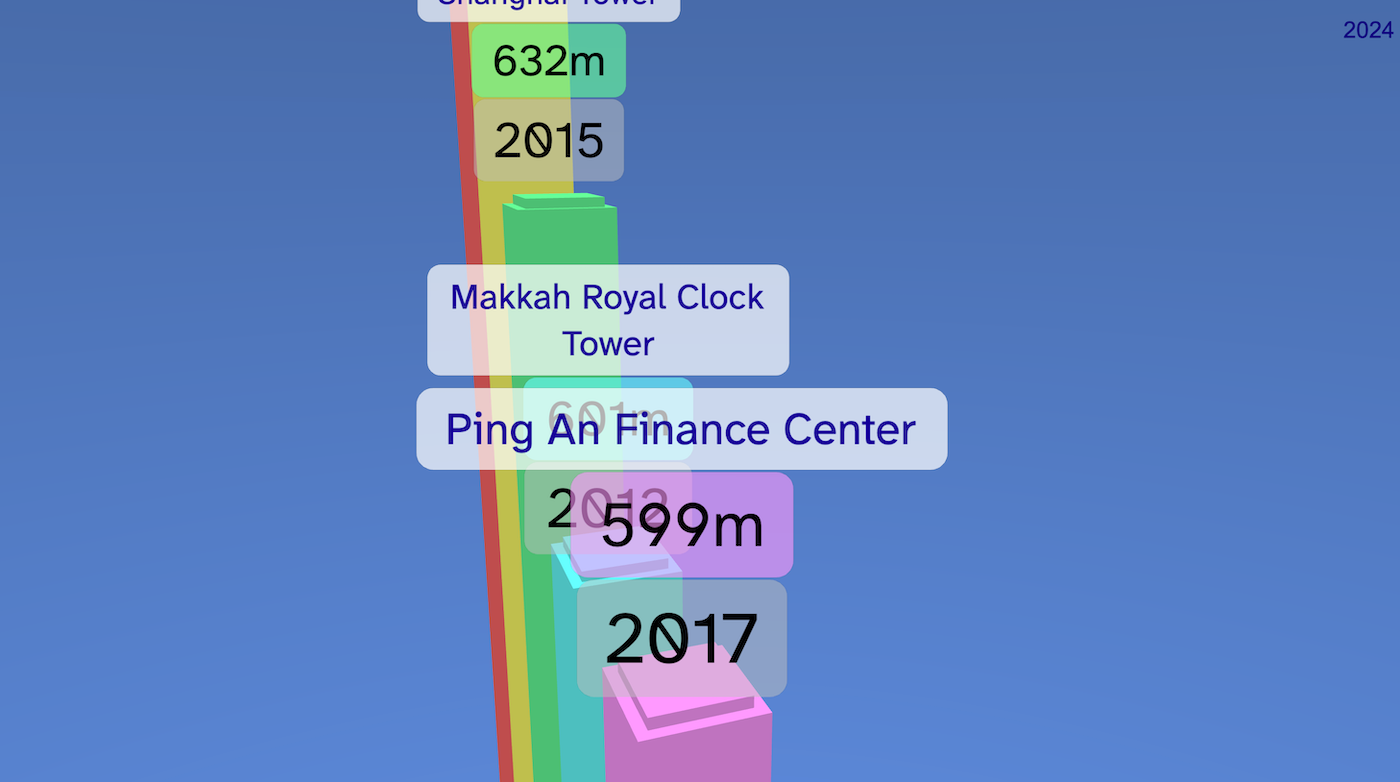
Tallest Buildings is a 3D timeline showing some of the world’s tallest buildings. Each tower grows upwards from the ground, using real height values to make a colourful skyline. The camera moves around the scene so you can watch the buildings appear, compare their heights, and explore the final result.
Try it out
1. Open Flock XR and go to the Demo menu. 2. Select 📊 Tallest buildings 3. Press Play. 4. Watch the buildings grow in order. 5. At the end, use the arrow keys / camera controls to explore the skyline.
Explore the code
Open the code and look for these parts:
Data lists The project stores the building information in lists: – building names – heights – start years – completion years – colours
Tower loop A loop creates one tower for each building. Each tower is a box, but its height is controlled by the data in the height list. This turns numbers into a 3D chart.
Labels Each building gets a label showing information such as: – building name – height in metres – completion year
Timeline animation The project loops through the years and checks when each building should appear. Towers grow upwards over time, so it feels like the skyline is being built.
Camera movement The camera is moved and rotated through different views, including side and top angles, to help show the scale of the towers.
Remix ideas
Try extending the project with your own ideas:
Add more famous buildings
Change the colours of the towers
Add country labels
Make the towers wider or thinner
Add other tall items for comparison
Find out more facts to add to the towers
A similar project you could create
Create a space missions data visualisation – Use coloured shapes to represent rockets – Launch them into the air at the year their mission began