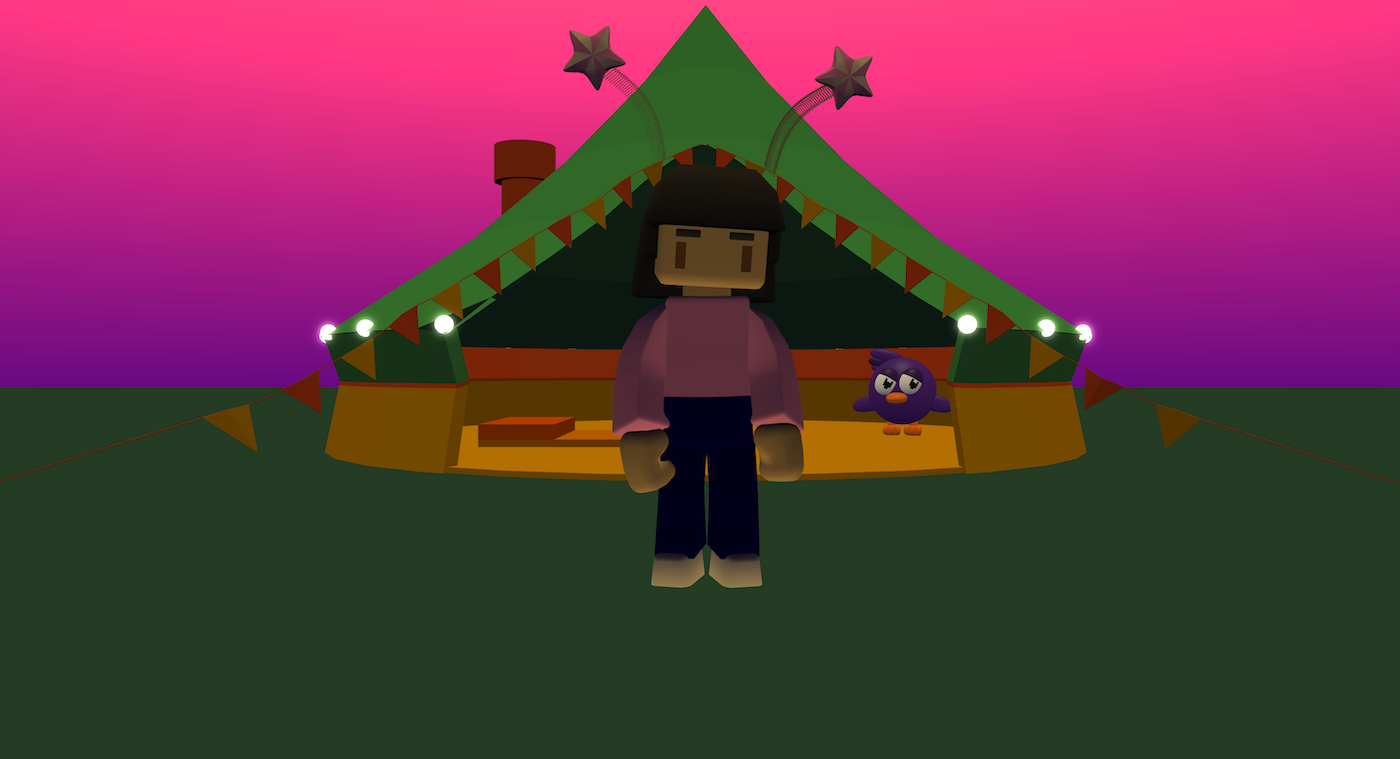
Festival Tent is an interactive 3D scene where the player can explore a colourful festival environment.
The project builds a tent scene using models, lighting, and decorative glowing lights. A controllable character can walk around the space, and a second character reacts by looking at the player. The scene combines world building, animation, lighting, and character movement.
It shows how to combine design and interactivity to create an immersive 3D experience.
Try it out
1. Open Flock XR and go to the Demo menu. 2. Select ⛺ Festival tent 3. Press Play. 4. Use the controls: – Hold left mouse button to look around – Press W to move forward – Press S to move backward – Press A and D to move sideways – Press Space to jump
Explore the code
Open the code and look for these parts:
Sky, map and lighting Blocks that: – Set the sky colour (with a gradient effect) – Create the ground map – Configure the main light (intensity and colour) These blocks create the atmosphere of the festival scene.
A decorative lights loop A loop that adds glowing spheres and positions them in a circular path around the tent.
Player setup Blocks that customise a player and attach an accessory to the players head.
Character interaction A forever blocks that makes a non-playable character continuously turn to face the player.
Movement and animations Blocks that set player movement controls and switch animations on the player.
Remix ideas
Try extending the project with your own ideas:
Change the colours of the tent and lights.
Add more decorative lights or increase their size.
Add music to create a festival atmosphere.
Create a stage area with animated performers.
Add interactive objects inside the tent.
Change the light intensity to give a different vibe to the world.
A similar project you could create
Create your own interactive 3D environment: – Build a campsite with tents and campfires. – Design a party scene with animated lights. – Create a museum exhibit with characters that react to the player. – Use loops to generate repeating decorative elements.
These techniques are used in game design, virtual events, and interactive experiences to build immersive digital worlds.