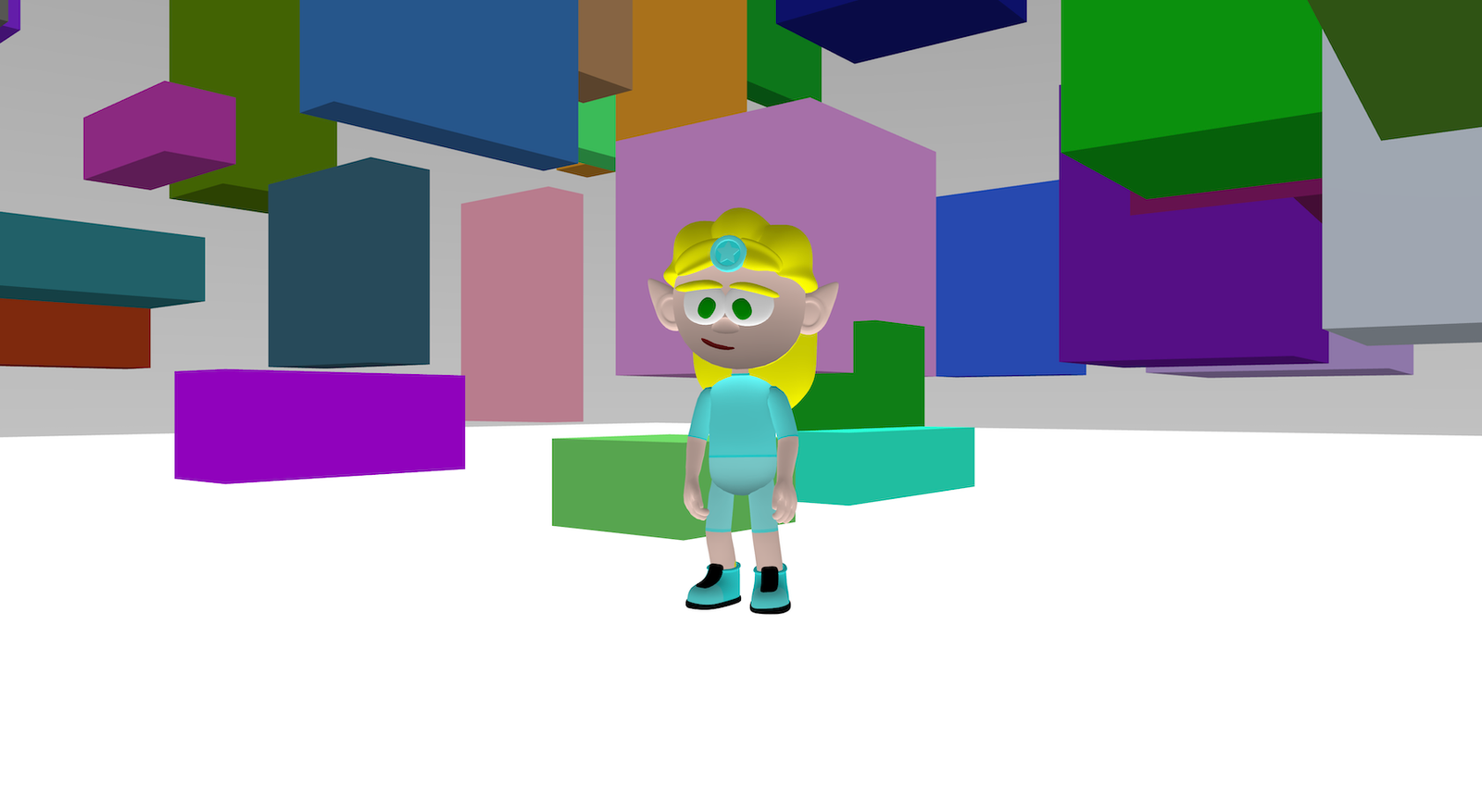
Cube Art is a playful generative scene that creates a cloud of colourful boxes in random sizes and positions. When you press Play, the world fills up with cubes. You can move a character around the scene, and the camera follows behind so you can explore your cube artwork from different angles.
This project demonstrates setting up the sky and ground, generating lots of objects with randomness, changing transparency, loading a character, and simple movement controls.
Try it out
1. Open Flock XR and go to the Demo menu. 2. Select 🎨 Cube art 3. Press Play. 4. Use the arrow controls to move around. 5. You should see: – a clean white sky and simple ground – lots of cubes scattered around the world – cubes in different sizes and colours – some cubes slightly transparent – a character you can move to explore the scene
Explore the code
Open the code and look for these parts:
Character and camera follow Blocks that load a character, add physics, and make the camera follow the character so you can explore the cubes easily.
Generate cubes (repeat loop) A repeat block that runs 100 times, creating a new box each time.
Random colour, sizes and positions Blocks that pick a random colour and random width, height, and depth (between 1 and 5). Blocks that place each cube at a random X and Z position (between -20 and 20), and a random Y height (between 0 and 10).
Transparency A block that sets the cube alpha (transparency) to 0.75, giving the cubes a slightly see-through look.
Movement and animation A forever loop that: – moves the player forward/back when you press controls – switches between Walk and Idle – rotates the camera slightly left/right for looking around
Remix ideas
Try extending the project with your own ideas:
Increasing or decreasing the number of cubes
Change the random ranges for colour, size, and position
Use a single colour theme (all blues, all warm colours, monochrome).
Randomise transparency so some cubes are solid and some are ghostly.
Replace cubes with other shapes (spheres, cylinders) to create a different style of generative art.
Change the character style or movement speed
A similar project you could create
Create a floating canopy scene. A walkable scene filled with suspended objects that the player can move through and explore. – Generate spheres instead of cubes. – Place them at random X and Z positions. – Keep their Y position above head height so they appear to hang in the air. – Use size, spacing, and transparency to control how open or dense the space feels.
This is a common way game and XR creators prototype environments, test scale, and explore atmosphere before adding detailed models or textures.