
You can upload a .flock project file at any time. This lets you return to a project you saved earlier.
How to upload your project
- Open Flock XR in your web browser.
- Select the Upload button from the top menu bar.
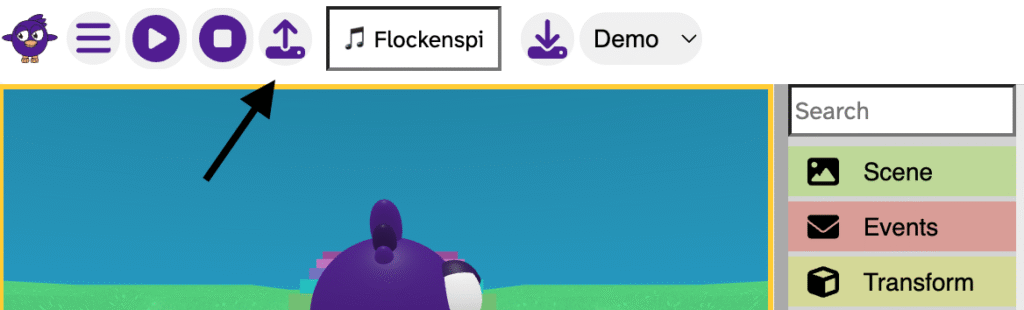
- Choose the .flock file on your device.
- Confirm the selection.
- Your project will open instantly.
That’s it — you are back inside your world, ready to build again.
Note: Uploading replaces the project currently open in Flock XR, so save your work first if needed.