
Flock XR is ready from the moment you open it. There are no accounts, no passwords, and no personal data collected. You stay in full control of your projects.
Use the ‘Get started‘ articles to get started with Flock XR or watch the following video.
How to start
- Open your web browser.
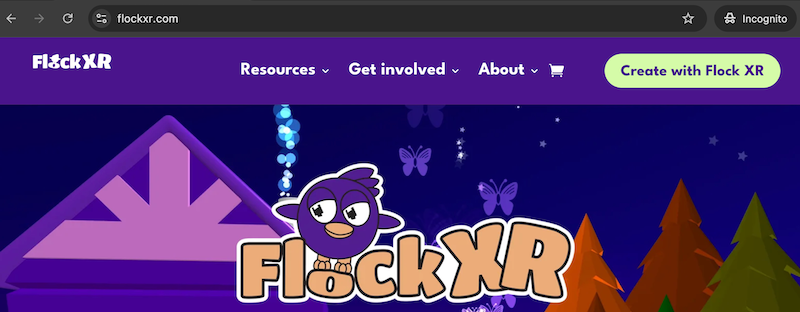
- Go to flockxr.com and select Create with Flock XR.
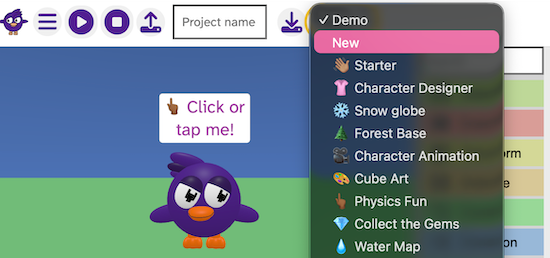
- Open the Demo menu.
- Choose New or select an example project.
- Begin your 3D world, game, or animation.
- Save your project file to your device whenever you want. (See: Save your Flock XR project)
Why Flock XR uses a no-account design
You do not need an account, email address, or login to use any part of Flock XR.
Flock XR is built to support young people, schools, families, and groups who need easy access without barriers.
- No user names or passwords to remember
- No accounts means no personal data collected
- Your project files stay private on your own device
- Sessions start instantly on any supported device
Flock XR is designed to keep things simple, safe, and stress-free.