
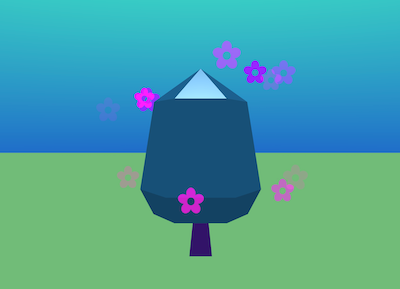
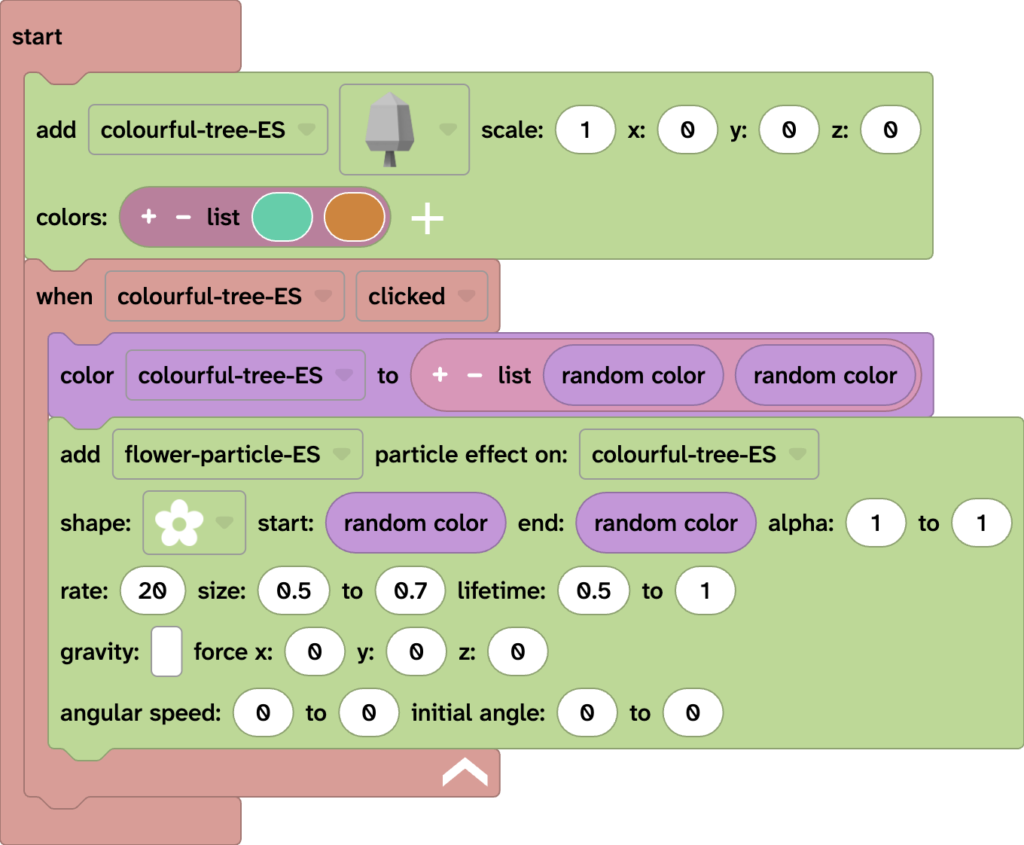
To create a colour changing tree in your Flock XR project you can recreate this code or import the colour changing tree snippet.
Example colour changing tree code
Related articles (open in a new tab):
To create a colour changing tree in your Flock XR project you can recreate this code or import the colour changing tree snippet.
Related articles (open in a new tab):