
Blocks are the building pieces of your program. Different block types have different jobs, and they fit together in different ways.
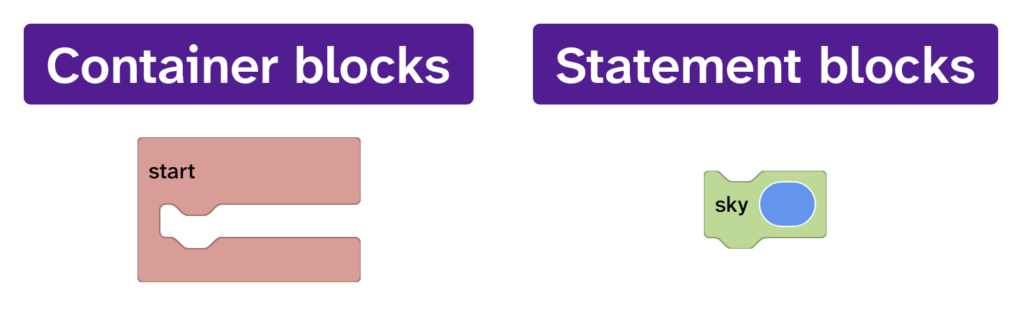
There are two main types of block:
- Container blocks: contain other blocks
- Statement blocks: go inside container blocks and can be stacked
Some blocks can be both a container and a statement block
Some blocks can do both jobs.
These blocks have an up-arrow icon in the bottom-right corner.
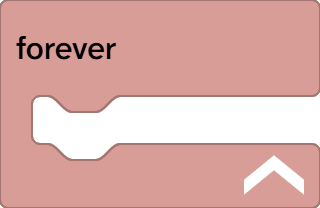
Click the arrow to change the block into a stackable block. When it becomes stackable, you will see notches appear at the top and bottom of the block.
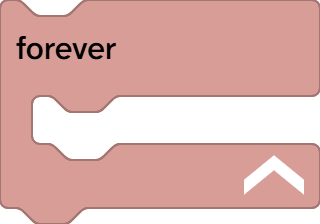
These notches show that the block can now connect to other blocks in a sequence.