
There are three different ways to view your project. The icons in the top right-hand corner allow you to switch between them.

Design view
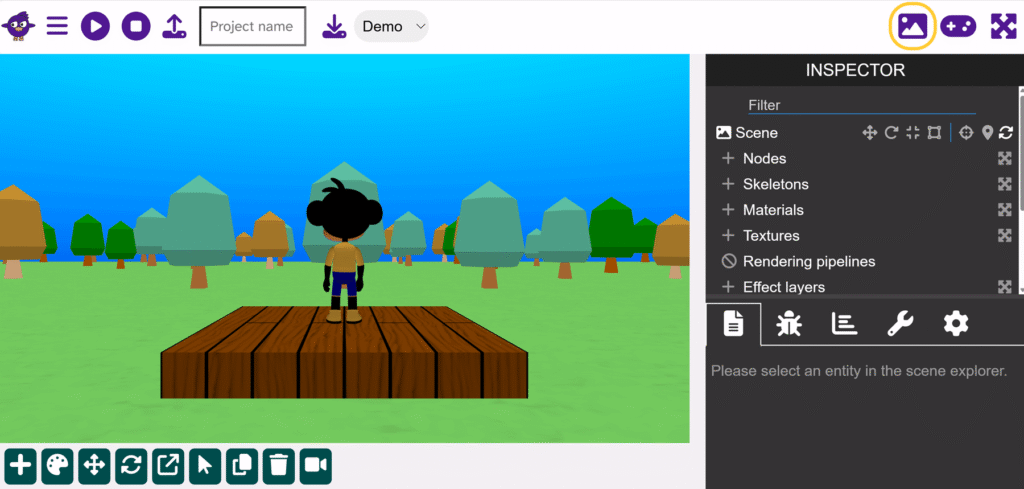
The first icon is for the Design view. This gives you access to the inspector. Press it again to switch back to the normal view.
Play mode
This allows you to use your project in a larger space and hides the code blocks from view. Press it again to switch back to the normal view.
Fullscreen mode

This allows you to use your whole screen to view your project. If you press the Play mode icon before the Fullscreen icon then you will get the largest view possible. Press it again to switch back to the normal view.