
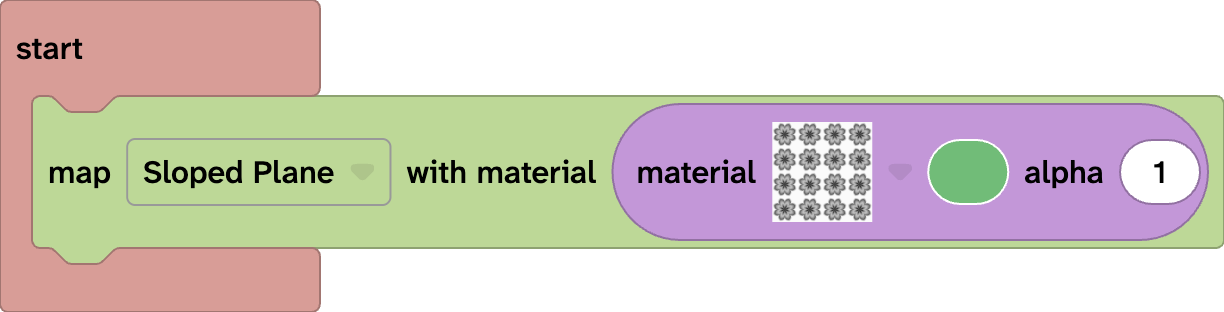
What does the Map block do?
The Map block changes the ground in your 3D world. Customising it can completely change the mood and feel of your world.
Map block options
The Map block has two customisable options: terrain and material.
The terrain adds shape and interest to your 3D world. The material block can be used to add a texture, colour, and transparency to your ground.
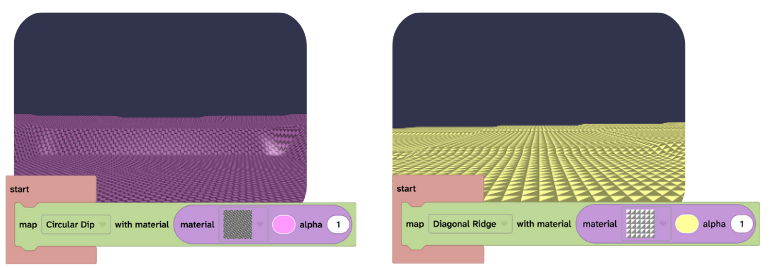
Blocks that work well the map block
The Map block is often used when building full 3D worlds. It works especially well with the Sky block to create complete environments
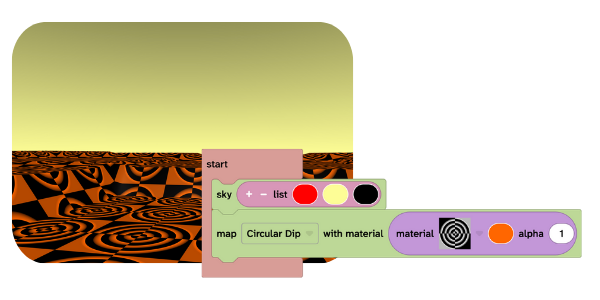
Use the map block
The Map block must be placed inside an Event block.
If the Map block is not inside an Event block, it will not run and the map will not change.
You might use the Map block when:
- Creating a new world
- Making your world feel more intriguing
- Changing the scene to a specific biome
- Creating a mood (happy, calm, mysterious, dramatic)
- Matching the map to your sky