Flock XR works with the BBC micro:bit, a small programmable microcontroller designed for young people.
Connect your micro:bit
Open the makecode editor via this link https://makecode.microbit.org/S75356-86793-57168-32678
Click Edit then Download
Close the makecode editor
Pair your micro:bit using bluetooth as per the bluetooth device settings on your computer
Go to flockxr.com and click Create with Flock XR
Go to the Demo menu and select micro:bit monkey
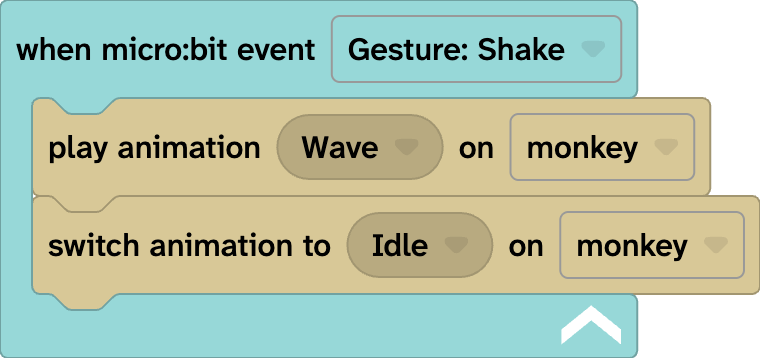
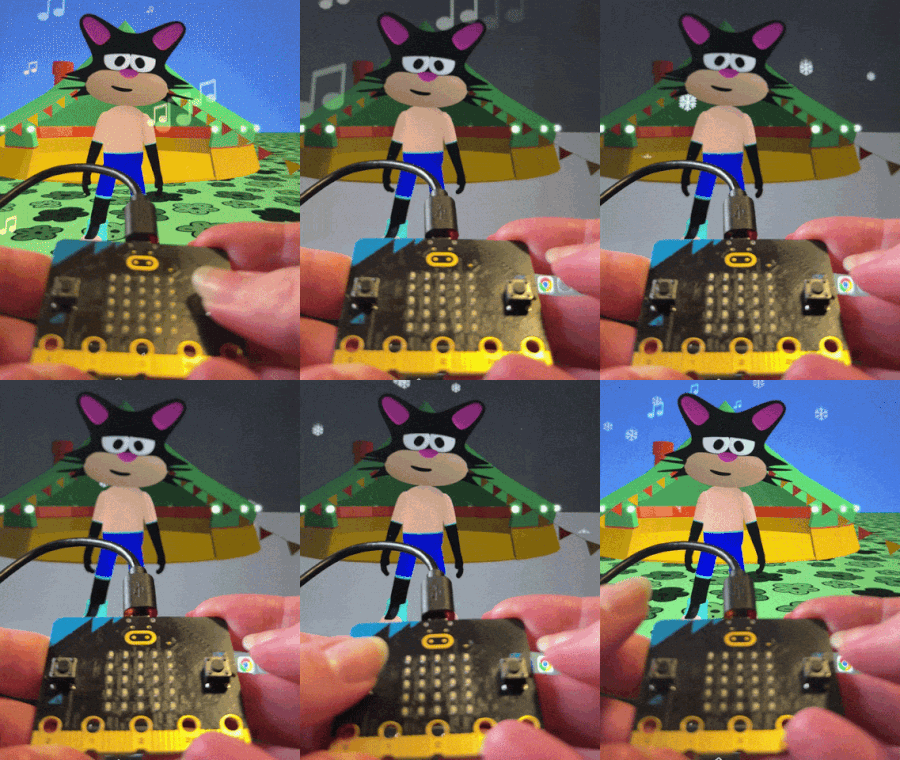
Shake your micro:bit to wave to the monkey and they should wave back!
The program will stay on your micro:bit until you need to reprogram it for something else.
If you have Bluetooth problems, try getting your device to forget about the micro:bit and try again.
Flock XR micro:bit code block
To create your own micro:bit project:
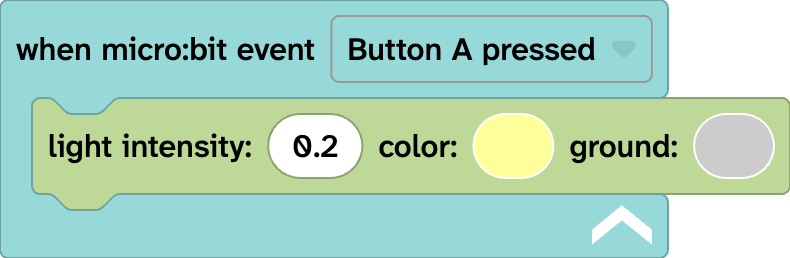
From Sensing select the when micro:bit event Pin P0 released block
Choose your trigger from pin releases, button presses or gestures.
Build your own code inside the micro:bit block