
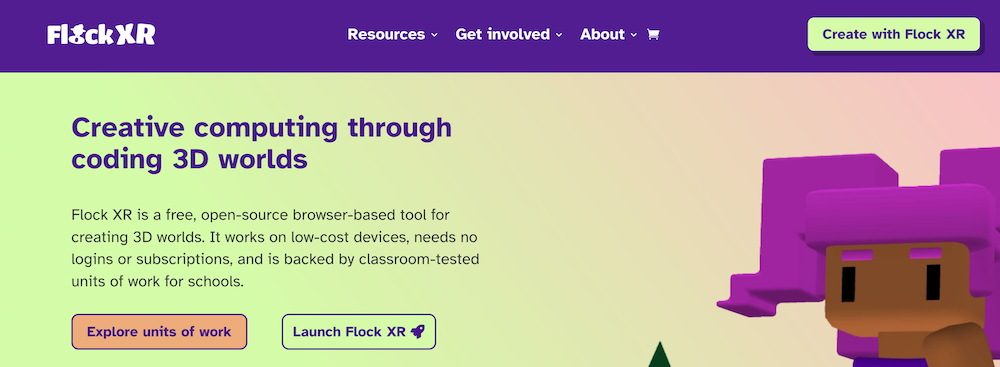
To start using Flock XR, open flockxr.com in your web browser, select “Create with Flock XR”, and begin with a new or demo project—no login or installation required.
You can start building 3D worlds, games, or animations straight away on almost any device. There are no accounts, no passwords, and no personal data collected. You stay in full control of your projects.
Get started in 3 steps
- Open your web browser.
- Go to flockxr.com and select Create with Flock XR.
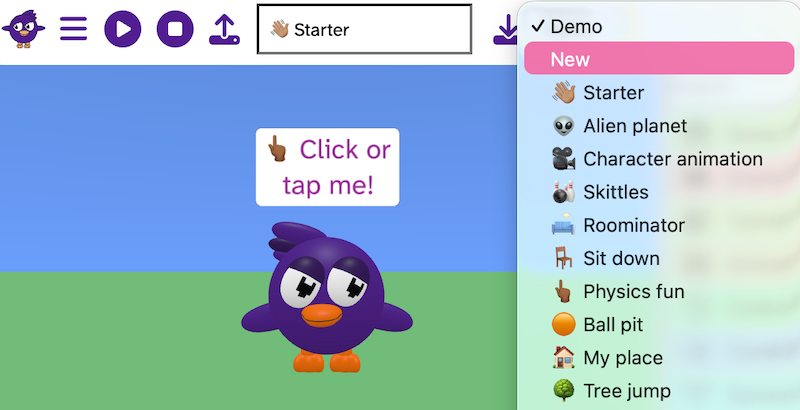
- Open the Demo menu and choose New or an example project.
👉 Start using Flock XR: https://flockxr.com
What happens next?
- Start creating a 3D world, game, or animation
- Explore example projects to learn how things work
- Save your project file to your device at any time
Why Flock XR does not require an account
Flock XR does not require an account, email address, or login.
This makes it easier to use in classrooms, clubs, and at home, especially for younger learners or shared devices.
- No usernames or passwords to manage
- No personal data collected
- Projects are saved locally on your device
- Sessions start instantly on any supported device
Flock XR is designed to be simple, accessible, and safe for all learners.
Watch: Getting started with Flock XR
Follow along with this video to see how to start using Flock XR and create your first interactive 3D world.
Related questions
How do I use the Flock XR interface?