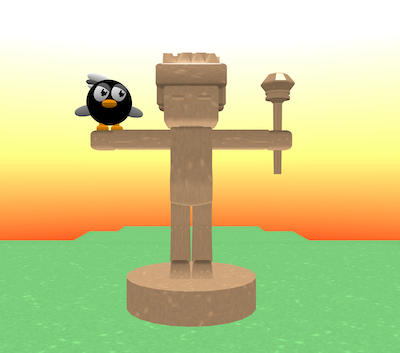
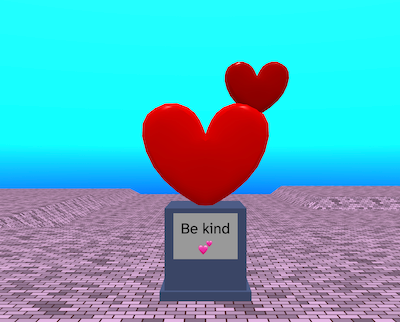
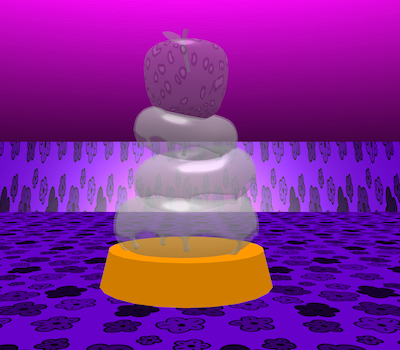
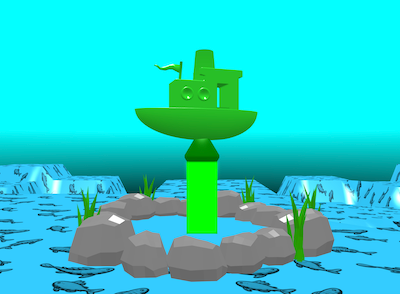
Choose one idea, mix several together, or invent your own.
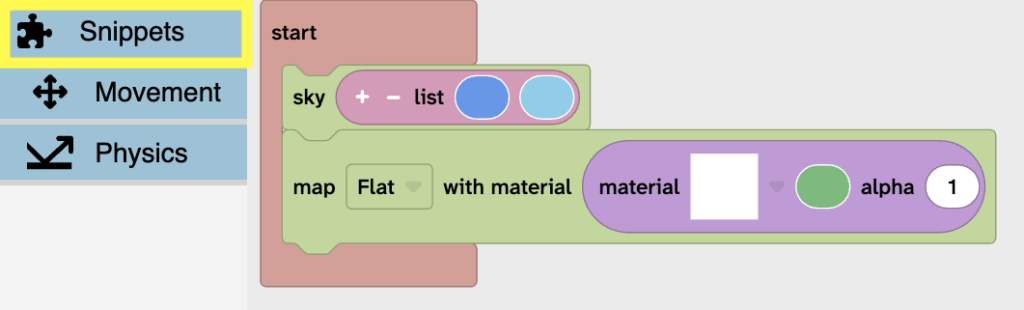
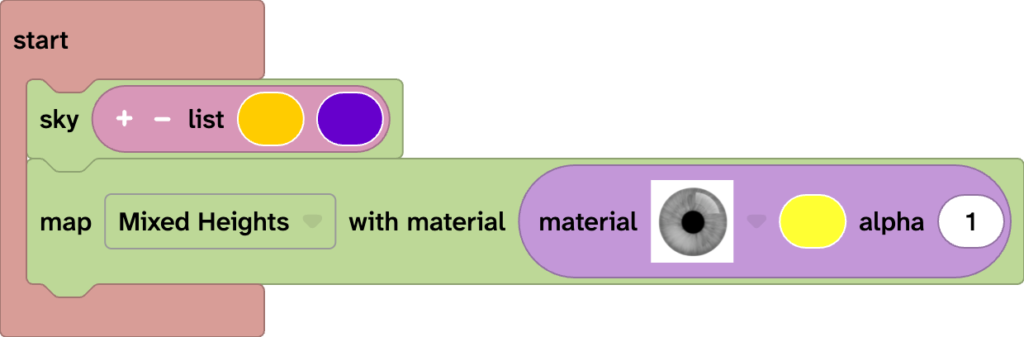
Use the Flock XR code blocks and gizmos to create your sculpture.
You could: – change the size, position or rotation of objects – choosing different materials and effects – placing a sculpture on a plinth with text so it looks important – adding scenery around your sculpture
Keep experimenting until your sculpture feels interesting from more than one angle.
Click on the canvas, then drag with your mouse or trackpad to look around.
Click on the camera gizmo then on the canvas and use these keys to move:
– W forwards, S backwards – A left, D right – R up, F down
This lets you explore your sculpture park like you are flying through it.
3. Prepare your sculpture for sharing
When your sculpture is ready, prepare it for other people to visit.
First save your project:
– Select the Download icon. – Choose a storage place on your device. – Give your project a clear name.
Move around your sculpture and choose the angle you want people to view it from
Put your project in Play mode to hide the code blocks from view.
Tip: Press it again to switch back to the normal view.
Put your project in Fullscreen mode to use whole screen to view your project.
Tip: Press it again to switch back to the normal view.
4. Wander your club sculpture park
When your club leader tells you it’s visit time, go around the room and visit each other’s sculptures.
Look closely at how different people created their sculpture.
As you look, think about:
– What is the first thing you notice? – What materials did the creator use? – How did they use size, position, or height? – What feeling does the sculpture give you? – Does it make you want to add anything to your sculpture?
Feedback tips
When you visit someone else’s sculpture, give feedback that is kind, specific, and helpful.
You could say: – I like how you… – This makes me think of… – My favourite part is…
You do not need to tell someone how to change their sculpture unless they ask for ideas. Start by noticing what they have made.